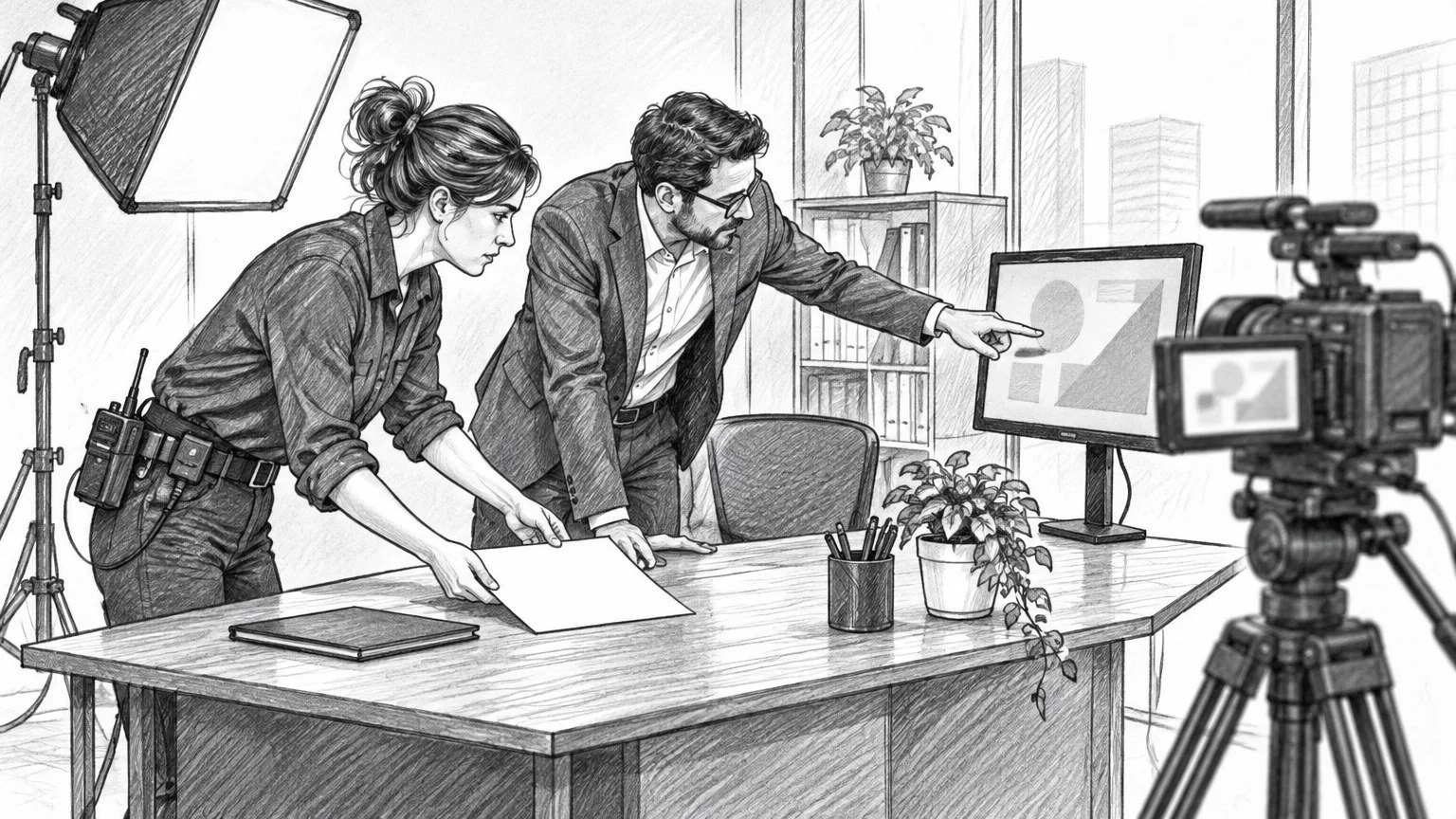
AI-generated storyboard illustration; a conceptual scene, not a client-production still.
Confidential information can enter a commercial through an ordinary background detail: a customer name on a screen, a whiteboard behind an interview, a shipping label, a badge, or a document used as a prop. By the time someone notices it in the edit, that detail may already exist in camera files, review copies, and shared screenshots.
The stronger production approach is to control what enters the frame before recording. Agree on the information the shot needs, replace unnecessary real records with approved fictional material, name a client reviewer, and limit access to the resulting assets. Do not rely on a general instruction to “blur anything sensitive later.”
This is a practical information-control workflow for a client and video production company. It is not legal advice, a security assessment, a promise of regulatory compliance, or permission to alter the client's established information-handling requirements.
Define the shot's legitimate information need
Start with the creative purpose. Does the viewer need to read a particular field, recognize a general workflow, or simply understand that someone is working at a computer? Those are different levels of information exposure. A scene that only needs to suggest an administrative process rarely needs real customer records in the background.
The NIST Privacy Framework Version 1.0 is a voluntary privacy-risk-management tool. It includes principles concerning data minimization and limiting access consistently with least privilege. Applying those ideas to production suggests a useful working rule: capture and share only the information the approved scene actually needs. Screen and prop sanitization are our practical application of those principles, not a NIST certification or control assessment.
Ask the client's appropriate information owner to identify restrictions. The marketing team may know what would be embarrassing to reveal, while a product, legal, IT, security, or operations specialist may recognize less obvious risks. Give those people a specific shot plan to review rather than a vague request to approve “some office footage.”
Classify what may appear
Create a short classification for the production—not a competing enterprise policy. Use the client's existing categories where available. The team needs to distinguish material approved for public depiction from material requiring a specific review and material that must not be captured.
Cover more than personal information. Unreleased designs, internal pricing, supplier details, access procedures, account identifiers, and proprietary interfaces may matter even when no individual is named. The appropriate client owners determine the boundaries; the filmmaker should not guess them from appearances.
Turn each restriction into an observable instruction. “Do not show internal material” is too broad for a camera operator to execute reliably. “Use the approved test dashboard on this display; do not open the live account” is a production instruction someone can follow and verify.
Prepare safe screens and props in advance
Build approved test or fictional content for any screen that needs to appear. Confirm that the content communicates the intended action without borrowing real identifiers or confidential details. Have the responsible specialist approve it before the crew arrives.
Check the whole display environment: browser tabs, notifications, recent-file lists, bookmarks, desktop icons, account names, and connected displays. For printed props, inspect both sides and any labels or annotations. If a document is only a visual placeholder, make it an intentional prop rather than pulling a convenient sheet from someone's desk.
Do not ask crew members to log into live systems with someone else's credentials, change security controls, or move restricted records into personal production accounts. The client's authorized team should prepare the approved environment using its own applicable procedures. If the environment cannot be made ready, adjust the shot or defer it rather than inventing a workaround on set.
Inspect the frame, not just the hero object
The main action may be safe while the background is not. Walk through the actual camera view with the designated client reviewer. Look at walls, reflections, desks, windows into adjacent areas, paperwork, devices, badges, and packaging.
Camera movement changes what enters the frame. A clean starting composition does not establish that the full move is clean. Check the planned movement and any alternate angles. If the director changes the camera position substantially, repeat the relevant inspection before filming.
Consider what a close view or a high-resolution frame could reveal, without assuming every small detail will be legible or every illegible detail is harmless. The reviewer should assess the actual captured presentation and the client's risk requirements. “It will probably be too small to see” is not a dependable clearance method.
Give one person authority to clear the setup
Assign a client information reviewer for each relevant setup or area. That person should understand the restrictions and have authority to resolve questions, or a clear route to the person who does. Do not make the producer search for an approver after the crew is ready to roll.
Use a short pre-take confirmation: approved screen or prop loaded; background checked; required restrictions understood. Repeat it when something material changes, such as a different workstation, document, camera angle, or demonstrator.
Keep this role distinct from general site coordination. The working-facility filming plan concerns operating continuity, access, and handback. Information clearance addresses what the footage contains. One client representative may handle both, but the responsibilities should not disappear into a generic “site contact” label.
Agree on the capture and review access plan
Before files begin moving, identify who needs camera material, selected clips, review links, and final exports. Use the client's applicable access requirements and the actual capabilities of the chosen tools. Different recipients may need different levels of access.
Ask the production company where review copies will be created and who can invite additional viewers. Clarify the route for client-provided material and the contact for an access problem. Do not imply that a password, an unlisted link, or one platform name alone guarantees confidentiality.
If the client requires a particular storage location, access approval, retention arrangement, or transfer method, make that requirement explicit in the scope. Resolve feasibility before capture. The raw-footage and project-file handoff guide addresses what gets delivered; this information plan establishes who may see it and under which agreed conditions.
Treat an accidental capture as an incident to route
If someone notices restricted material in a take, stop distributing that material and notify the designated client and production contacts. Identify the affected setup or file accurately. Follow the applicable client procedure rather than improvising deletion, concealment, or a public explanation.
Do not assume that blurring a final export resolves the issue in every upstream copy. Camera originals, proxies, review files, downloads, and screenshots may need consideration by the responsible people. The production team should report what it knows about the copies it created without claiming to control systems it has not checked.
The appropriate owners decide remediation. A marketing deadline is not authority to bypass that decision. Independent scenes that do not involve the issue may continue where authorized, while the affected material remains held.
Use a pre-shoot information-control record
For each sensitive scene, record:
Intended audience-facing purpose of the shot.
Information that must be visible and information that must not appear.
Approved test screen, fictional document, or prop reference.
Background and reflection areas needing inspection.
Named client reviewer and escalation contact.
Changes that require a fresh setup check.
Approved capture, review, and transfer arrangements.
Recipient roles and access owner.
Handling route for accidental capture.
Final-release reviewer for the relevant visual details.
Keep the record proportionate. It should make the shoot safer to execute, not distribute a new catalog of secrets. Reference restricted instructions through the client's appropriate channel rather than pasting confidential material into every crew document.
Check the finished sequence before release
Include an information review in the appropriate edit-approval stage. Review the actual exported sequence, including graphics and background details. Confirm that substituted props remained substituted and that later inserts did not introduce a new issue.
A final check is a backstop, not the primary control. The most useful decision often happens before the camera records: use an approved fictional record, move a sensitive document, choose a cleaner angle, or show less information. Make those choices deliberately, and the production team can communicate the work without unnecessarily capturing the confidential material surrounding it.