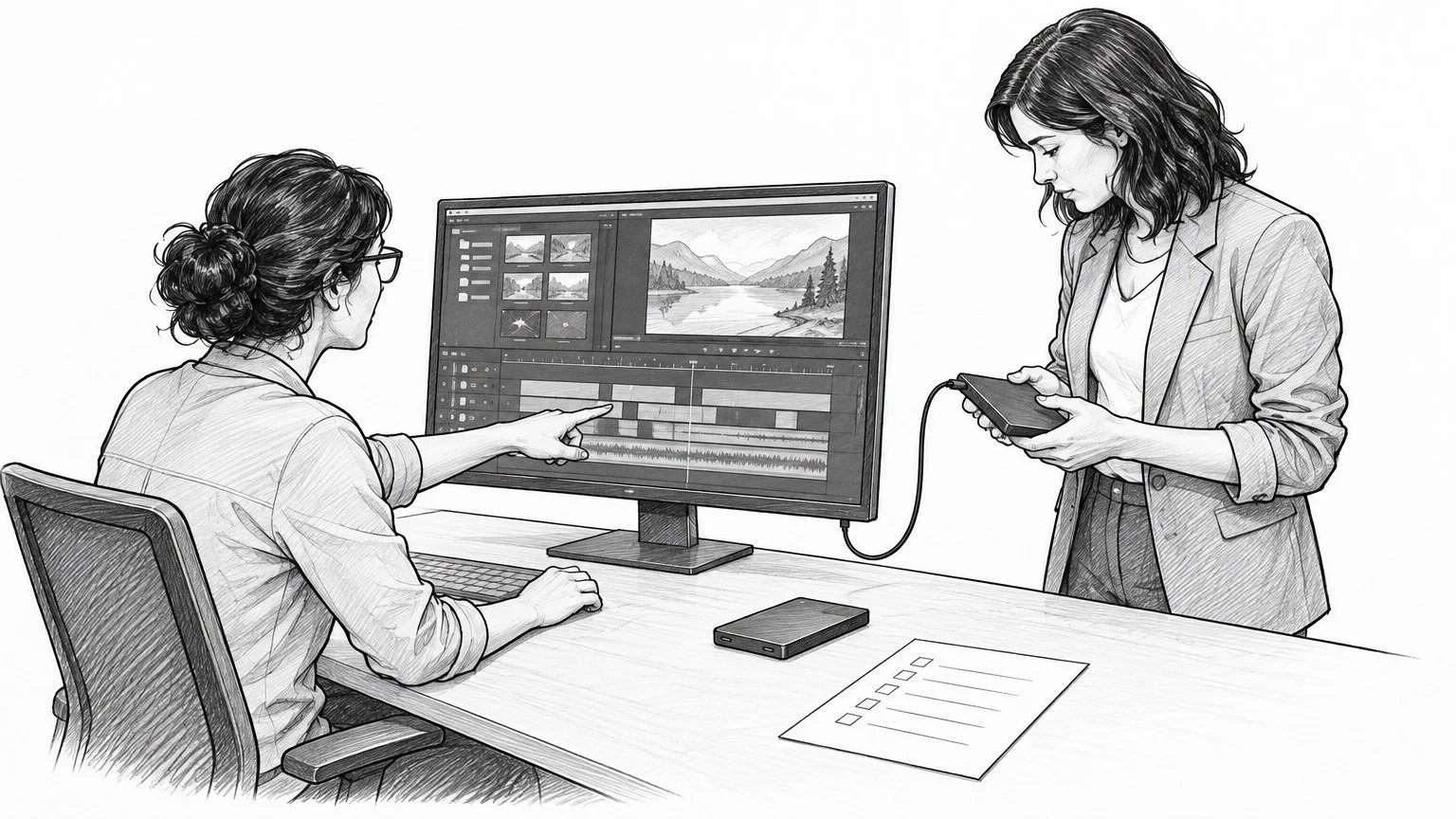
AI-generated storyboard illustration; a conceptual scene, not a client-production still.
If your marketing team may recut a commercial later, ask for more than “all the files.” Request a defined handoff: finished masters for publishing, selected or complete source media for new edits, and a collected editing project if another editor needs to reopen the approved timeline. Specify usage permissions separately. Those are different deliverables, and none automatically substitutes for the others.
For Dallas commercial video production, this decision belongs in the brief and estimate—not in a hurried email after the launch. A useful handoff gives your next editor the material, instructions, and permissions to do a particular job. A drive full of footage can still leave that editor rebuilding the commercial from scratch.
Here is how we would scope that decision before production, and how a marketing director can test the delivery before calling the project closed.
What is the difference between raw footage, project files, and final video?
Think of the final video as the finished meal, source media as the ingredients, and the project as the recipe and assembly instructions. The analogy has a limit: an editing project also depends on its software environment.
Finished masters: ready to publish, not fully editable
A finished master is an exported version of the approved film. Its shots, graphics, grade, and mix are usually combined into a rendered video. You can trim or transcode that file, but you cannot reliably recover separate dialogue, remove a title without affecting the picture underneath it, or reach an unused take.
Ask for the approved versions you actually need, with clear filenames and a delivery manifest. Define whether the package includes a high-quality master, channel-ready exports, caption files, and any textless version. “Textless” should spell out what is removed: titles, subtitles, end cards, or all three.
Raw footage: source material, not a finished look
In buyer conversations, “raw footage” often means original camera files and separately recorded sound. It does not necessarily mean a camera recorded in a technically RAW format. Put the actual media types in the scope.
Camera originals may look flat before a viewing transform or color grade, and production sound may need syncing and mixing. A proxy is a lighter editing copy, not automatically a replacement for the original. Request a short technical readme so the next editor knows which is which.
Specify whether you want every recorded take, only approved selects, or only media used in the final edit. Each serves a different purpose. Used media can support a small revision; unused takes and interview answers may be essential to build a genuinely new story.
Project files: the edit's structure, with dependencies
A native editing project stores the timeline and editing decisions, but it can reference media elsewhere. Sending the project file alone is not the same as sending a usable edit.
Adobe's project-transfer guidance explicitly describes transferring the project with its media assets. Its Project Manager instructions also distinguish selected sequences and an option to exclude unused clips. That is why “send the Premiere file” is an incomplete handoff request: the collection settings change what the next editor receives.
Choose the handoff by the next job, not by the largest folder
Start with one sentence: “Our next editor needs to be able to ___.” Then choose the smallest complete package that enables it.
Publish the approved campaign: request finished masters, channel versions, captions, and the relevant usage record. A native project may add little if nobody on your team will edit it.
Replace a date, offer, or end card: consider a textless master and separated audio, plus the graphics assets needed for that change. Confirm that removing the old element is actually possible in the supplied version.
Create new cutdowns from the existing story: request the approved timeline with collected media, agreed graphics dependencies, and separated audio. Check whether alternate framing or unused shots are also needed.
Build a different campaign from the same shoot: evaluate a broader source-media package, selects or transcripts, and permissions for the new use. An archive containing only the final timeline's clips may be insufficient.
These are scope choices, not automatic entitlements or fixed industry packages. The production agreement should say what is included, what preparation is additional work, and what is excluded. Our guide to planning cutdowns before the shoot covers capture and version planning; this handoff decision is about what another team can actually do afterward.
Why an editable project can still fail to reproduce the commercial
An edit is a chain of dependencies. A missing font can change line breaks. An unavailable effect can change a transition. A linked motion-graphics composition may need its own project and assets. A color treatment may depend on a LUT—a lookup table that transforms image values—or on a separate finishing session.
Ask the post team to identify these dependencies rather than promise that every component will become universally editable. Some can be collected; others may need licensed software, an agreed replacement, or a rendered fallback. Do not assume that a production company can transfer every third-party asset or license it used.
Audio deserves its own discussion. A final stereo mix is not a set of stems. Stems are grouped audio exports, such as dialogue, music, and effects. They can make a later music change or language adaptation more practical, but define the groups, start point, and duration. Separate tracks that do not align are not a useful shortcut.
For a hypothetical seasonal commercial, changing the offer might require only a clean end card. Turning the same footage into an employee-recruiting film could require different interview answers, a different music license, new approvals, and an entirely new edit. Both requests can sound like “a quick update.” They are not the same handoff requirement.
Separate possession of files from permission to use them
Receiving a drive does not, by itself, settle copyright ownership or every reuse permission. In the United States, 17 U.S.C. §202 distinguishes ownership of a material object from ownership of copyright in the work it contains. Treat file delivery, copyright terms, and third-party permissions as separate questions for your agreement and legal review.
Have the responsible producer and your legal team confirm what the intended reuse requires. Ask about the footage, music, stock assets, graphics, talent agreements, and any restrictions attached to them. Record allowed channels, territory, term, and whether a new editor or another brand entity can use the supplied assets. The answer depends on the actual agreements; do not infer it from a filename or an invoice marked paid.
This is procurement guidance, not a legal conclusion about a particular production. The useful question is not simply “Do we own it?” It is “Can this team make this change and publish this version in these placements, and where is that permission documented?”
A copyable video handoff brief for marketing directors
Send this to the producer and the receiving editor before the estimate is finalized. Fill in decisions rather than leaving every line as “everything.”
Future task: What change or new edit must the receiving team be able to make?
Receiving team: Named editor, editing application and version, and delivery contact.
Finished deliverables: Approved masters, placement versions, textless versions, captions, and reference export.
Source coverage: All originals, approved selects, or used media only; include or exclude unused interview answers and alternate takes explicitly.
Editable scope: Named timelines, graphics projects, linked compositions, and whether separate color or sound sessions are included.
Dependencies and fallbacks: Fonts, effects, LUTs, stock assets, and any rendered replacements; identify exclusions and who resolves them.
Audio: Final mix and agreed stems, with matching start points and duration.
Rights record: Intended reuse, applicable permissions and restrictions, and the person responsible for checking them before publication.
Transfer and archive: Delivery method, estimated size, manifest, verification method, retention period, retrieval terms, and the person who owns the brand's archive copy.
Acceptance: Receiving editor's test, deadline for reporting missing items, and responsibility for resolving package problems versus commissioning new work.
This brief extends the rights and delivery questions in our production-company hiring checklist. It does not replace the contract. If the handoff expands after approval, use a documented scope-change decision instead of leaving the extra preparation invisible.
Test the handoff before closing the project
Do not accept a complex editing package solely because the download completed. Ask the receiving editor to copy it to the intended working location, open the agreed timeline, and compare it against the approved reference export.
Check for offline media, missing graphics, font substitutions, unexpected color changes, and absent audio. Make one representative change of the kind you planned—for example, replacing the end card—and export a short test. That is a more meaningful acceptance check than counting folders.
For large transfers, ask for a manifest and an agreed integrity check, such as file checksums that can be compared after copying. This checks the transfer; it does not prove the package contains every creative dependency or that reuse is authorized. Keep those checks separate.
Finally, document archive responsibility. A cloud link is a delivery location, not a promise of indefinite storage. Agree how long the producer retains the material, whether retrieval involves additional work, and who keeps the brand's verified copy. Never assume deletion or permanent retention on either side.
The decision to make this week
Before your next production estimate is approved, name the future edit you genuinely expect. Have the producer scope the required files and permissions, and have the receiving editor define a practical acceptance test.
You do not need every possible asset to protect a campaign's future. You need the right material, a usable edit environment, documented permissions, and someone accountable for the archive. That is a handoff your marketing team can use—not just a hard drive it can own.