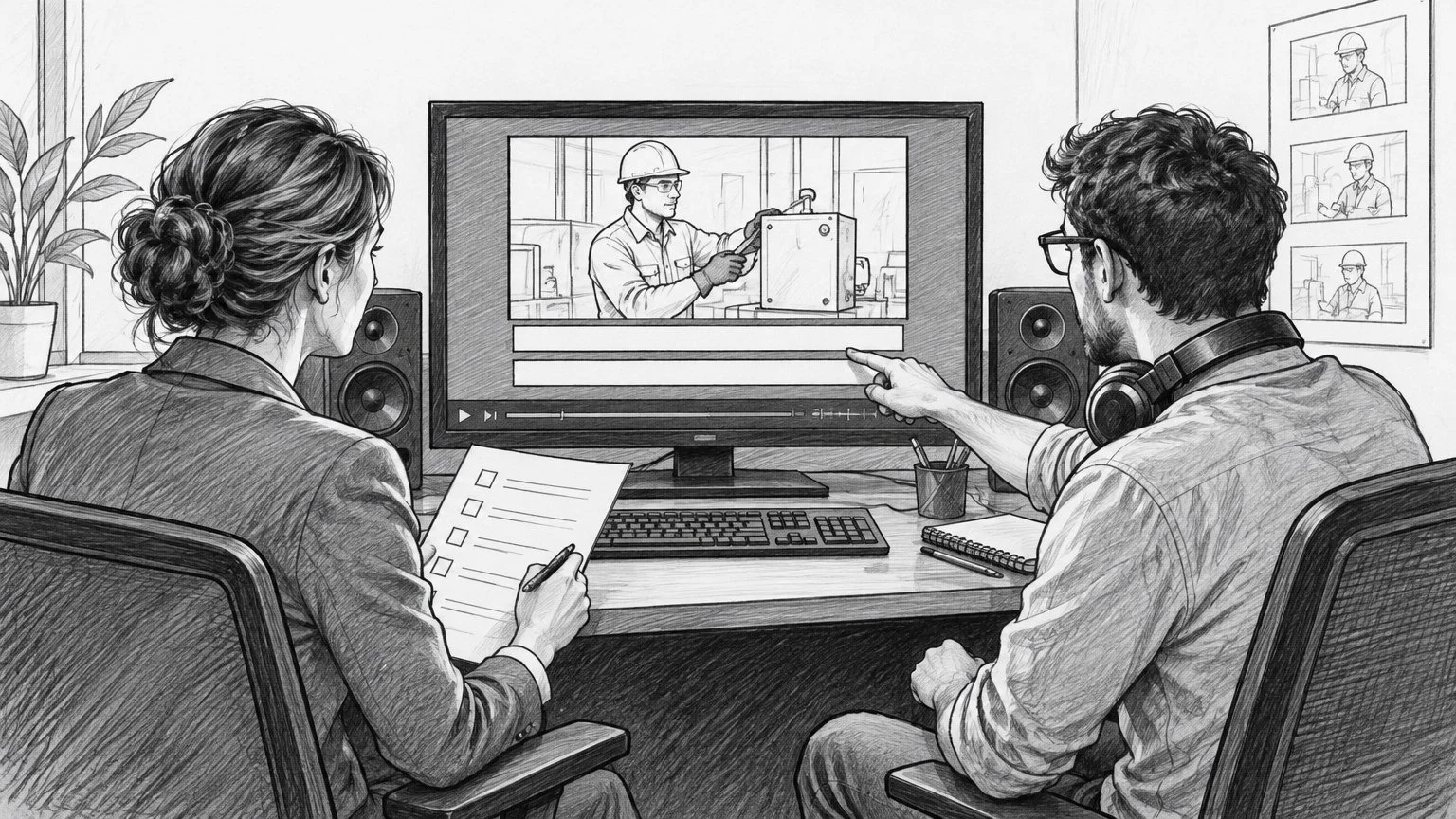
AI-generated storyboard illustration; a conceptual scene, not a client-production still.
Ask your video production company for an accessibility delivery plan before you approve the script—not just “captions included” on the final estimate. Specify human-reviewed captions, an appropriate text alternative, a decision about audio description, and a named person who will test the finished video in its actual player.
The important distinction: receiving a caption file is not the same as publishing an accessible video. Your production partner controls the edit and exports; your web or media team controls how those assets reach the audience. Someone must own the gap between them.
For a marketing director buying commercial video production, this is a scope and acceptance decision. Set it early enough that the creative can accommodate it, then make accessibility part of final approval rather than a cleanup task after launch.
AI-generated storyboard illustration; a conceptual scene, not a client-production still.
Define the access requirement before choosing the files
Start with where the video will run, who needs to use it, which languages are required, and the accessibility standard your organization has adopted. Ask your accessibility lead to confirm the applicable requirements. A paid social ad, an embedded website film, and an internal training video can have different publishing constraints; don't let the export menu make that policy decision for you.
The W3C guidance for WCAG 2.2 prerecorded captions explains the Level A criterion for captions in prerecorded synchronized media. Its audio-description guidance explains the Level AA criterion for prerecorded video and the importance of conveying meaningful visual information. These are technical references, not a promise that a particular package meets every organization's legal obligations.
Write the requirement into the brief: “Our accessibility lead will approve the delivery specification and the deployed experience.” That is much more useful than asking the editor to make the video “ADA compliant” without defining the standard, destination, or review responsibility.
Request captions that communicate the soundtrack
Captions are not simply the script pasted below the picture. They must reflect the finished audio, including meaningful sounds and speaker identification where needed. W3C's caption guidance includes non-speech information that a listener receives and a viewer may otherwise miss.
For example, an offscreen alarm may explain why a worker turns toward a machine. A caption that records only the spoken sentence loses that story information. Conversely, labeling every incidental background sound can obscure the dialogue. The review question is whether the caption conveys the meaningful audio, not whether it documents every noise.
Put these caption requirements in the scope
Finished-edit accuracy: Check against the actual final mix, not an early transcript. Verify names, product terms, numbers, and technical vocabulary with the brand team.
Useful timing: Captions should track the speech and remain readable. Watch the whole video at normal speed rather than approving a text document alone.
Speaker clarity: Identify an offscreen or otherwise unclear speaker when that distinction affects understanding.
Meaningful sound cues: Include relevant sound effects and music information without overwhelming the message.
Legible placement: Keep captions from covering demonstrations, faces, essential graphics, or disclaimers. Review the actual platform presentation.
Human review: Automatic transcription can start the process; it is not the acceptance test. Name the reviewer and include correction time.
Provide an approved spelling sheet before transcription: company and product names, acronyms, unusual surnames, and the exact wording of any required disclosures. It costs less attention to supply that information once than to correct it separately across multiple exports.
Closed captions or burned-in captions? Plan the destination
Closed captions can be turned on or off in a supporting player. They are commonly delivered as a separate timed-text file, such as SRT or WebVTT, but the receiving platform determines what it accepts. Have the publishing owner confirm the current import format and test a sample before final delivery.
Open, or burned-in, captions are part of the image. They travel with that particular video export, but viewers cannot turn them off or adjust them independently. They can be useful when the destination doesn't reliably expose the intended caption experience; they are not a universal replacement for selectable captions.
Request a clean master plus the destination-specific caption assets you actually need. If you also need a burned-in version, treat it as a separate export with its own visual review. Avoid uploading a burned-in file and enabling a second caption track accidentally: two competing sets of words can cover the picture.
This is separate from planning cutdowns and vertical video versions. That plan defines the versions you will publish. The accessibility specification defines what each version must communicate and how you will accept it. A caption track timed for the main film is not automatically correct for a shorter edit.
Decide whether essential visuals need audio description
Watch the edit without looking at the picture. Can you understand the information needed to follow the message—not just the tone?
Suppose a product film shows a technician moving a safety lever while the narration says, “Then do this.” The soundtrack does not identify the action. Or an interview film introduces a speaker only through a lower-third graphic. A listener may hear the testimony without knowing whose expertise it represents.
The first production solution is often better writing. Say the essential action or identity naturally in the dialogue or narration. Integrating that information before the shoot can preserve the film's rhythm and avoid trying to squeeze descriptions into an already dense mix. As W3C's audio-description guidance explains, additional description is not necessary when the existing soundtrack already conveys the relevant visual information.
Where the soundtrack does not do that job, plan appropriate audio description with a qualified reviewer. Depending on the creative and delivery environment, that may mean a separately described version or a supported description track. Confirm how the audience will find and play it; a file sitting in the handoff folder does not solve access.
Do this at script and storyboard review. A wall-to-wall voiceover leaves little space for description. Introducing pauses or changing the writing after picture lock can affect the cut, mix, and approvals. That is why accessibility belongs on the production timeline, not after it.
Specify the transcript's purpose
A dialogue transcript gives readers the spoken words. A descriptive transcript also supplies meaningful visual information needed to understand the video. Neither should be assumed to replace synchronized captions or audio description where those are required.
Ask for a clearly structured, editable text document your web team can publish accessibly—not only a flattened image or a PDF no one has checked. Include speaker names where useful and distinguish description from speech. Review the transcript against the same final version as the captions.
For an instructional film, this may mean documenting the demonstrated steps and essential on-screen labels. For a brand interview, it may mean adding the speaker's identity and explaining a significant visual comparison. Do not pad it with decorative camera directions that add no understanding.
Use a copyable accessibility delivery brief
Add the following labeled fields to your production scope. Complete one record per materially different edit or language, not one vague promise for the campaign.
Video and version: Name, duration, language, and intended destination.
Standard and approver: Organization's required standard, accessibility reviewer, and final decision owner.
Caption assets: Accepted timed-text format; whether a burned-in export is also needed; naming convention and language labels.
Caption quality: Human reviewer; approved terminology; speaker and meaningful-sound treatment; correction process.
Visual-information decision: What the existing soundtrack conveys; what needs script changes or description; reviewer approval.
Text alternative: Dialogue or descriptive transcript, editable format, publication location, and owner.
Deployment owner: Who uploads tracks, configures the player, and makes alternatives discoverable.
Acceptance environment: Actual page, app, or platform; representative devices; people responsible for testing.
Change rule: Any later edit triggers a check of caption timing, transcript text, and description—not merely a new video export.
Ask your production company which tasks it performs directly, which require a specialist, and which belong to your internal team. Include those boundaries when interviewing a production partner. “We deliver captions” and “we test your deployed player” are different commitments.
Run a final acceptance test in the real player
Do not approve accessibility from an editing-system preview alone. Use the review stages in your video edit approval process, then add a deployment check before launch.
Match the versions. Confirm the uploaded picture, audio, captions, transcript, and description belong to the same approved edit and language.
Watch with sound muted. Check caption accuracy, speaker clarity, useful sound cues, timing, and interference with graphics. This is a focused check, not proof of full accessibility.
Listen without the picture. Identify essential information missing from the soundtrack and check the agreed description solution.
Exercise the controls. Have the web/accessibility owner test caption selection, keyboard operation, and the availability of alternatives in the deployed player. File quality alone cannot establish player accessibility.
Check the actual layouts. Review representative mobile and desktop presentations, including caption size and overlays. Do not assume an editor's large monitor represents the audience's experience.
Record acceptance. Save the approved version identifiers, reviewer, test environment, unresolved issues, and disposition. Correct the relevant asset and retest it before signing off.
The decision: buy a usable experience, not a checkbox
The most valuable accessibility conversation happens before the creative is locked. It changes what the script says, where the edit needs breathing room, which assets the estimate includes, and who owns the published experience.
This week, take one upcoming video brief and add the delivery record above. Assign both an asset reviewer and a deployment owner. Your production company can then estimate a specific scope, your team can approve against observable criteria, and the audience has a better chance of receiving the complete message.